On this page
A menu or brochure (PDF page)Guest Wi-FiAn invoice, tip jar or donation (payment links)Your business cardMake it scan reliablyThe best QR codes are the ones you never have to reprint. That is what dynamic codes are for: the printed square points to a short link, and you decide what the link shows. Here is how to pick the right page for four common jobs.
A menu or brochure (PDF page)
Upload your PDF, add a title and a one-line description, and the page shows a button that opens the file. When prices change you replace the PDF and keep the same printed code. PDF pages are a Premium option; files up to 8 MB are supported. If you do not have Premium yet, a link page with a button to a menu hosted elsewhere works the same way.
Guest Wi-Fi
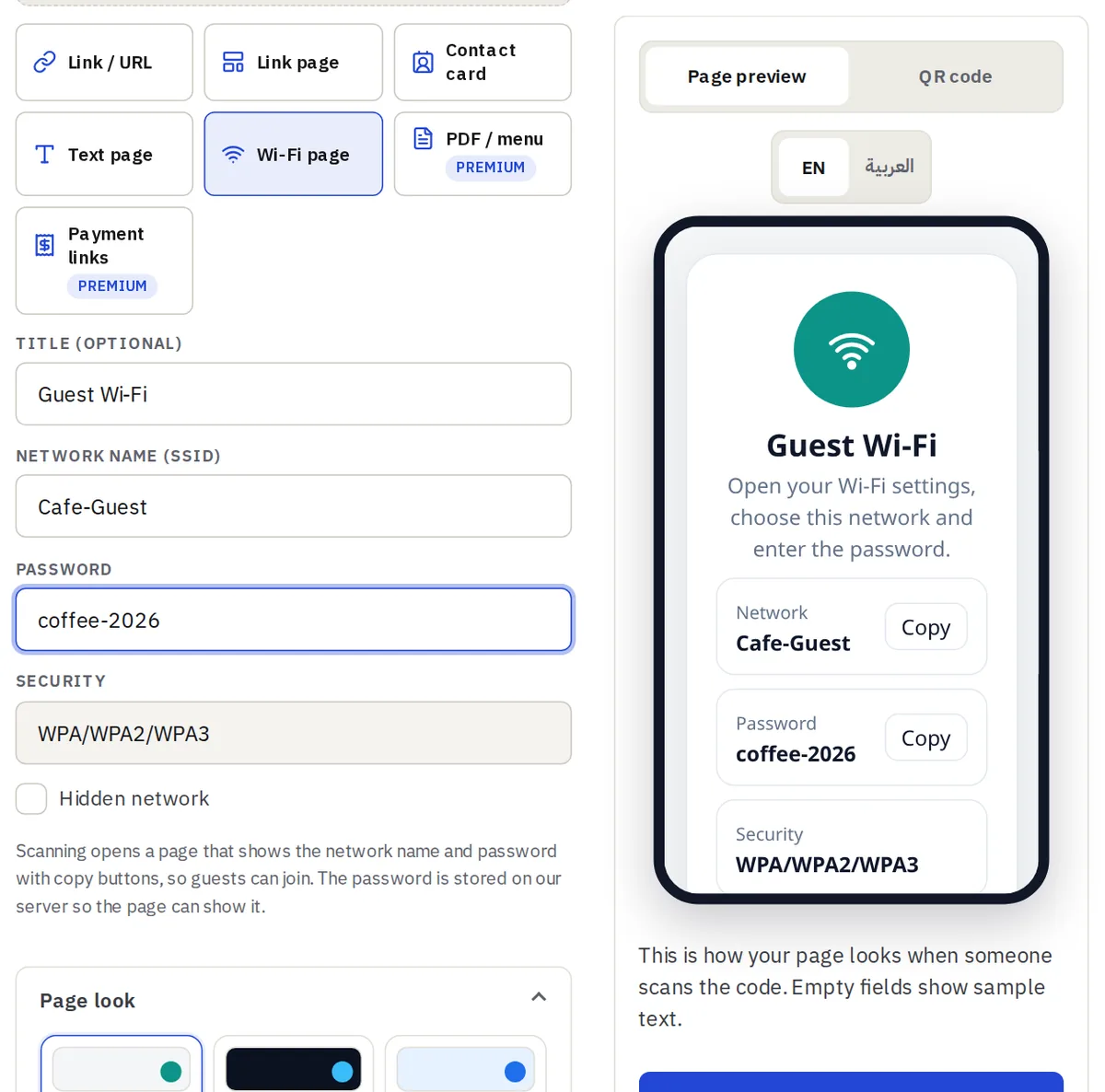
Create a Wi-Fi page with the network name, the password and the security type. Guests scan, see both with copy buttons and join without typing. The password is stored on our server so the page can show it, so use a guest network, not your main one.
An invoice, tip jar or donation (payment links)
A payment page shows your payment links and details such as an IBAN with a copy button. Use it for tips, donations or a shop counter. It never takes payments itself: buttons go to the payment provider you choose.
Your business card
A contact card with a Save contact button is the fastest way to give someone your number. Add the page QR to the back of the card.
Make it scan reliably
- Keep a dark code on a light background and test with two phones before printing.
- Print it at least 2 cm wide for a hand-held scan and larger for posters.
- Use the page Pause button instead of deleting a code you may need again.