On this page
Make a CSR and private keyRead any certificate or CSRPFX for Windows, PEM for LinuxAnd two moreOrdering, installing or renewing an SSL certificate usually means a few OpenSSL commands you look up every time. Five new Developer Tools do those jobs in the browser, and because the keys are made on your own device, your private key is never uploaded to us or anyone else.
Make a CSR and private key
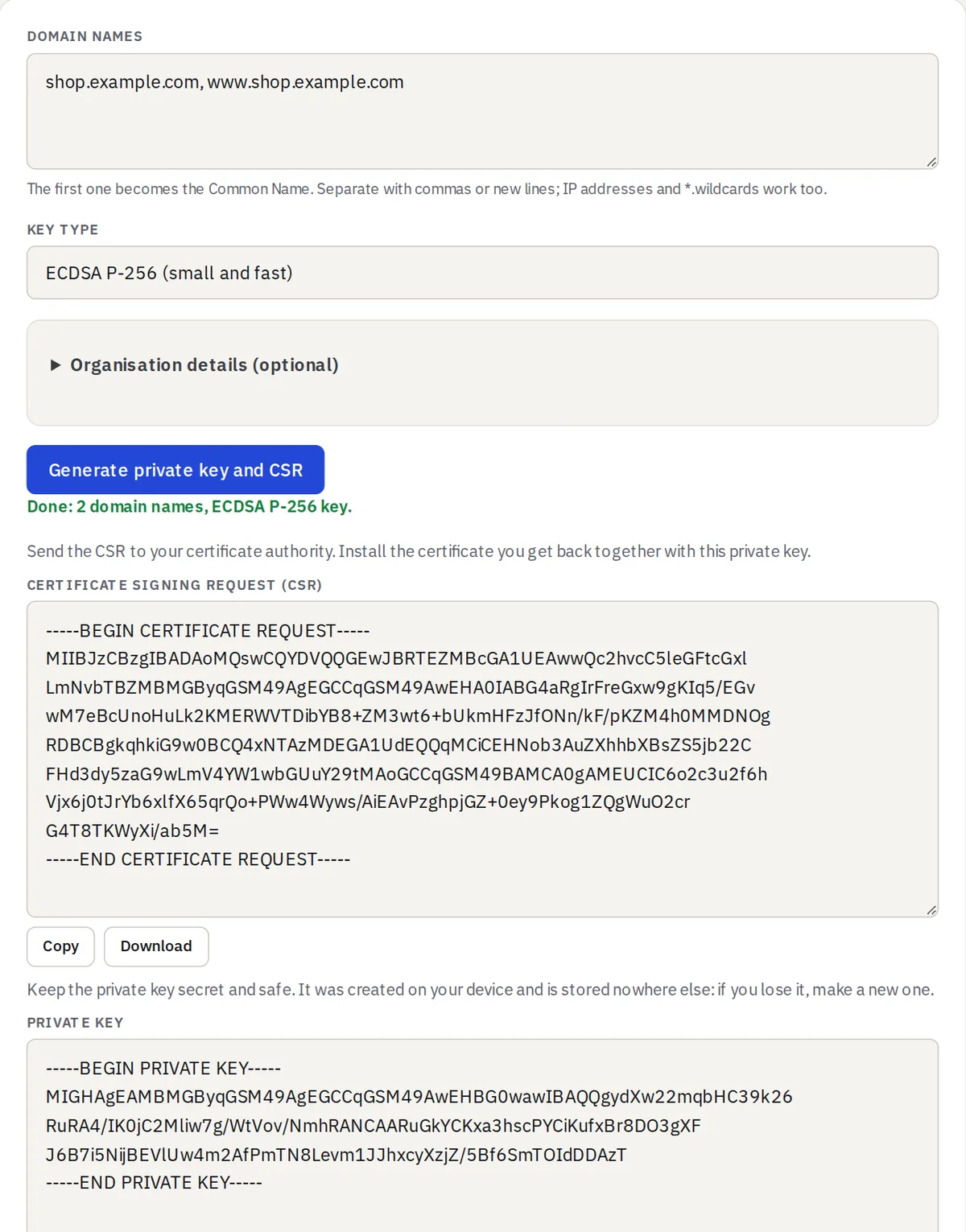
The CSR Generator takes your domain names (the first becomes the Common Name, every one is added as a SAN), a key type (RSA 2048, 3072 or 4096, or ECDSA P-256 or P-384) and, if your certificate authority needs them, your organisation details. One click gives you the CSR to send to your CA and the private key to keep. The same OpenSSL command is shown too, in case you want to script it later.
Read any certificate or CSR
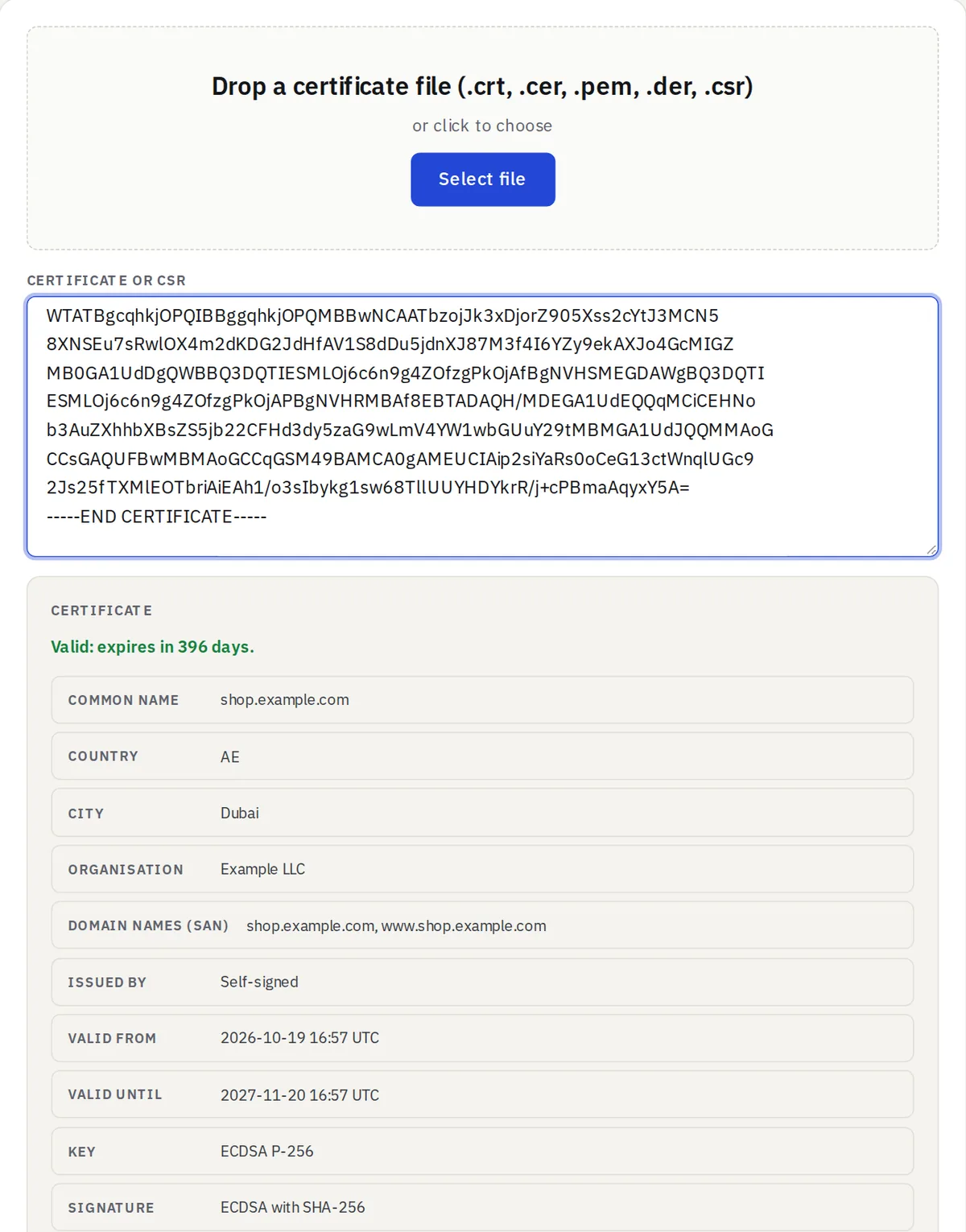
Paste a certificate, a whole chain or a CSR into the Certificate & CSR Decoder, or drop a .crt, .cer, .pem, .der or .csr file. You see the domains, the issuer, the dates and days left, the key, the signature, the key usage and the fingerprints. For a CSR it also checks that the request’s signature is intact.
PFX for Windows, PEM for Linux
The PFX / PEM Converter packs a certificate, its key and the intermediate certificates into a password-protected .pfx file for IIS, Windows, Azure or Java, and unpacks a .pfx back into PEM files for Nginx or Apache. It also converts between PEM and DER. New PFX files use AES-256; a compatibility option makes files that Windows Server 2016 and Java 8 can import, and older PFX files protected with 3DES or RC2 open as well.
And two more
- Self-Signed Certificate Generator: a certificate and key for localhost, test servers and internal tools, valid from 30 days to 10 years.
- Certificate Key Matcher: paste a key, a CSR and a certificate (any two will do) to see whether they belong together. It is the quick answer to the “key values mismatch” error.