A scanned PDF is a picture of a page: there is no text inside for a converter to read. Until now PDF to Markdown asked you to run OCR PDF first and come back. Now it does both in one go.
How it works
- Drop the scanned PDF as usual. The tool notices that it has no text.
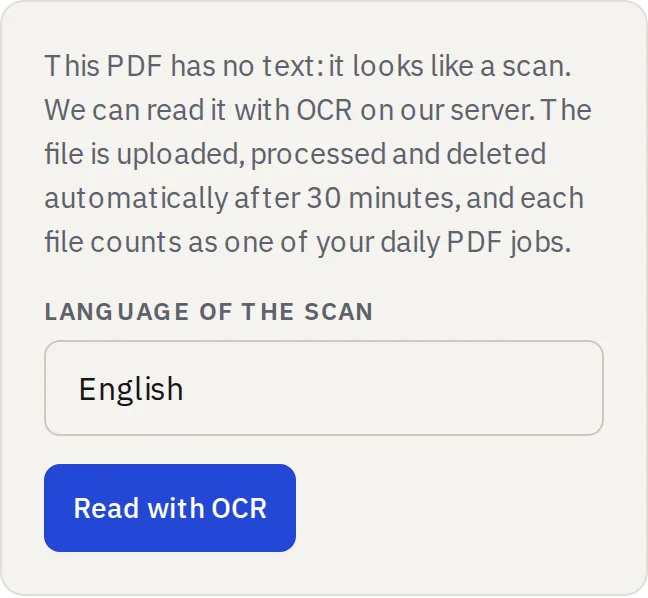
- A box explains what happens next and offers Read with OCR.
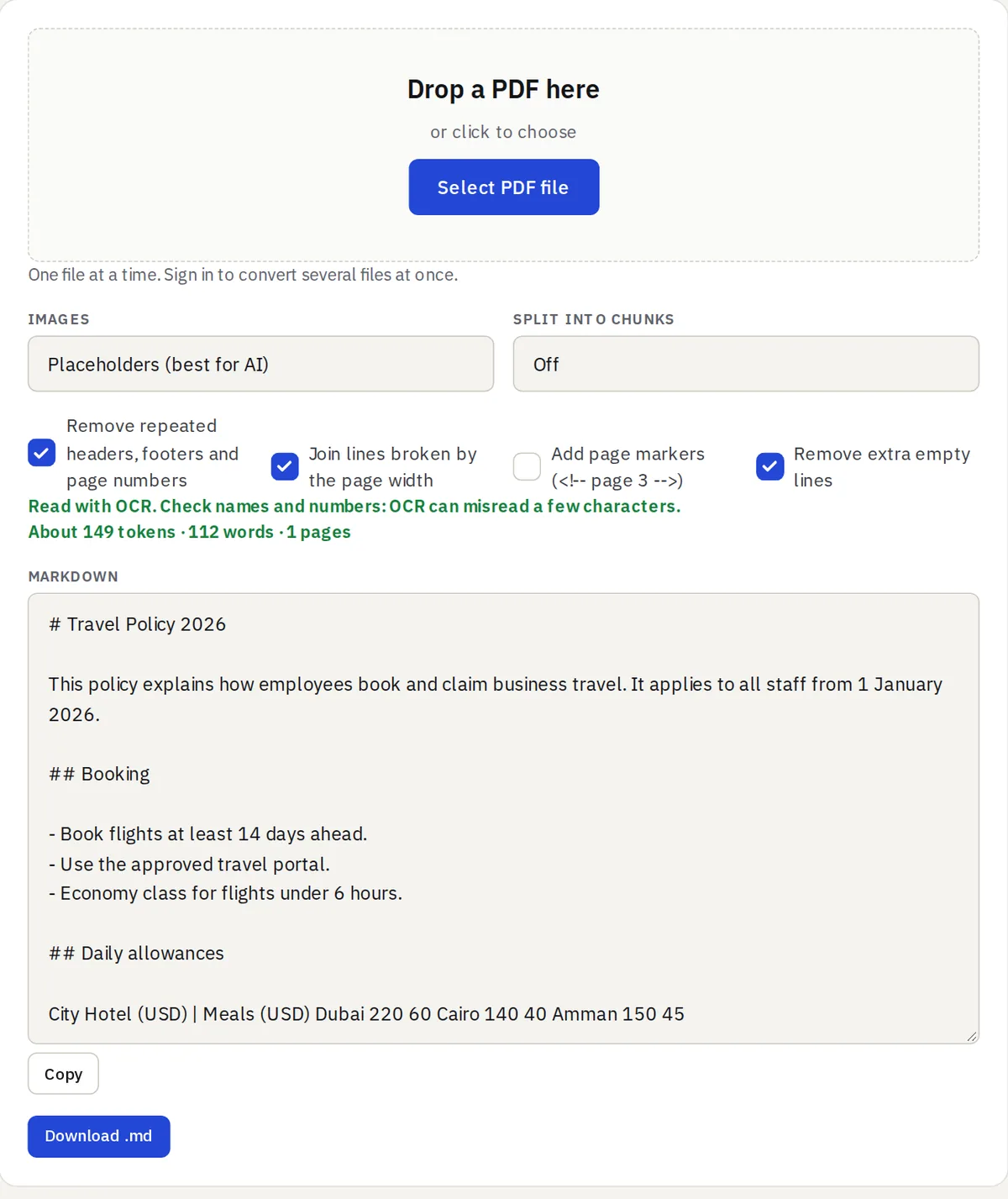
- The scan is read on our server, usually in a few seconds, and comes back as Markdown with headings, lists and paragraphs.
What happens to your file
Text PDFs, Word files and HTML are still converted in your browser and never uploaded. Only a scan you choose to read with OCR is sent to our server. It is processed there and deleted automatically after 30 minutes, and it counts as one of your daily PDF jobs (15 a day as a guest, 50 with a free account). If you change the options afterwards, nothing is uploaded again.
Tips for good results
- Use a clear, straight scan; 300 dpi is ideal.
- Check names and numbers in the result: OCR can misread a few characters.
- Tables in a scan come out as plain lines.