Until now the Image Compressor did very little for PNG files: it saved them again without loss, so a logo might shrink by only 10 or 15%, and the quality slider had no effect. A friend of the site compared it with another tool and told us, rightly, that this was not good enough. It is fixed.
What changed
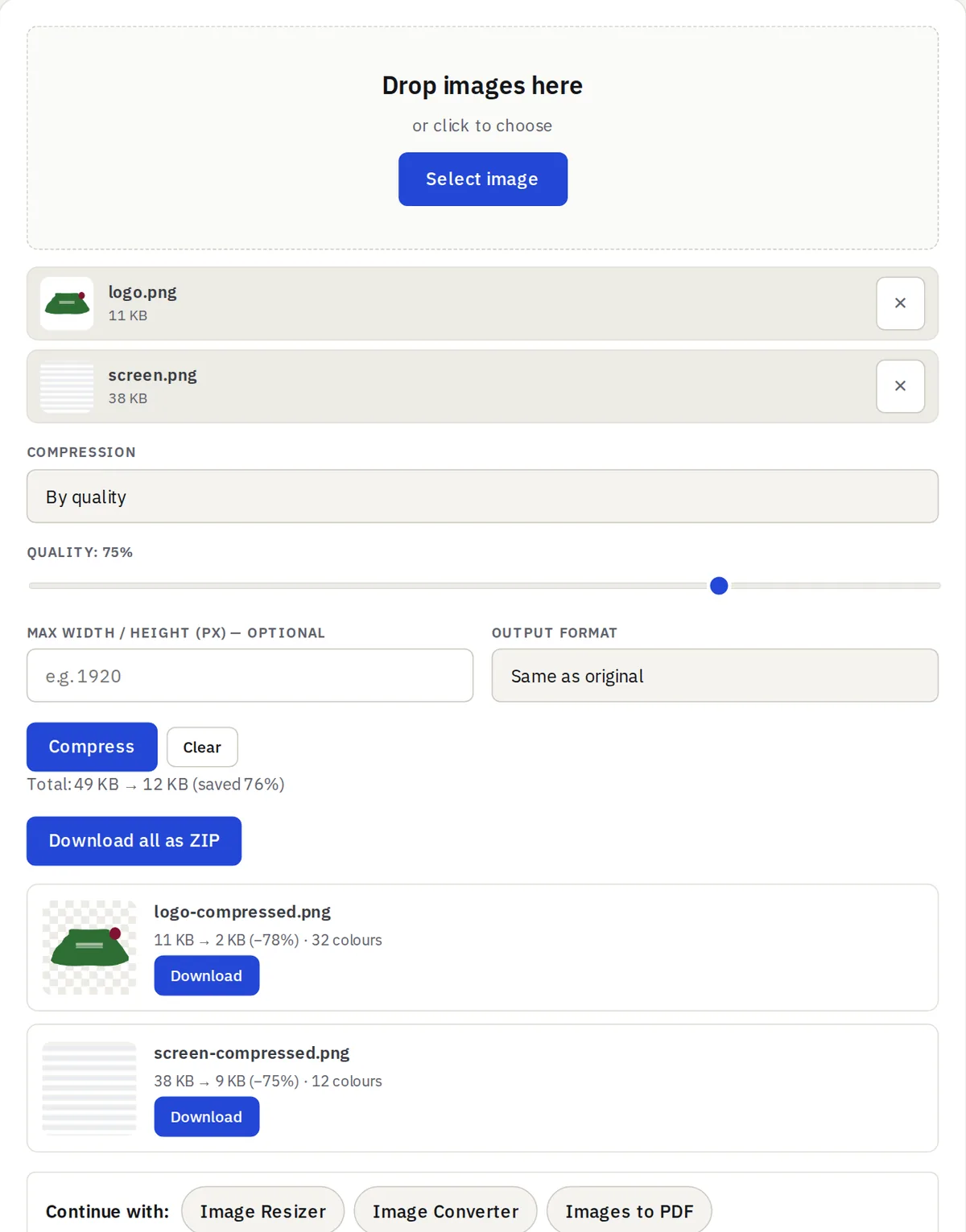
PNG files are now reduced to the fewest colours that still look the same, the technique specialised PNG optimisers use. Most logos, icons, screenshots and graphics need far fewer than the millions of colours a PNG can hold, so the file gets 60–80% smaller while the picture and its transparency stay as they were.
How to use it
- Quality slider: the default 75% is visually lossless; lower it for even smaller files with fewer colours.
- To a target file size: now works for PNG too, keeping as many colours as fit in the size you need.
- Photos saved as PNG have too many colours to shrink this way without visible loss. The tool tells you and keeps the original; choose JPG or WebP as the output format for those.