If you use the same few tools every week, you can now keep them one click away. Sign in, then press the star next to a tool.
Where your favorites show up
- The star menu in the header, on every page, with a count of how many you have.
- A “Your favorites” row at the top of the home page and the tools page.
- First in search: open search with Ctrl K (or /) and your favorites are listed before you type.
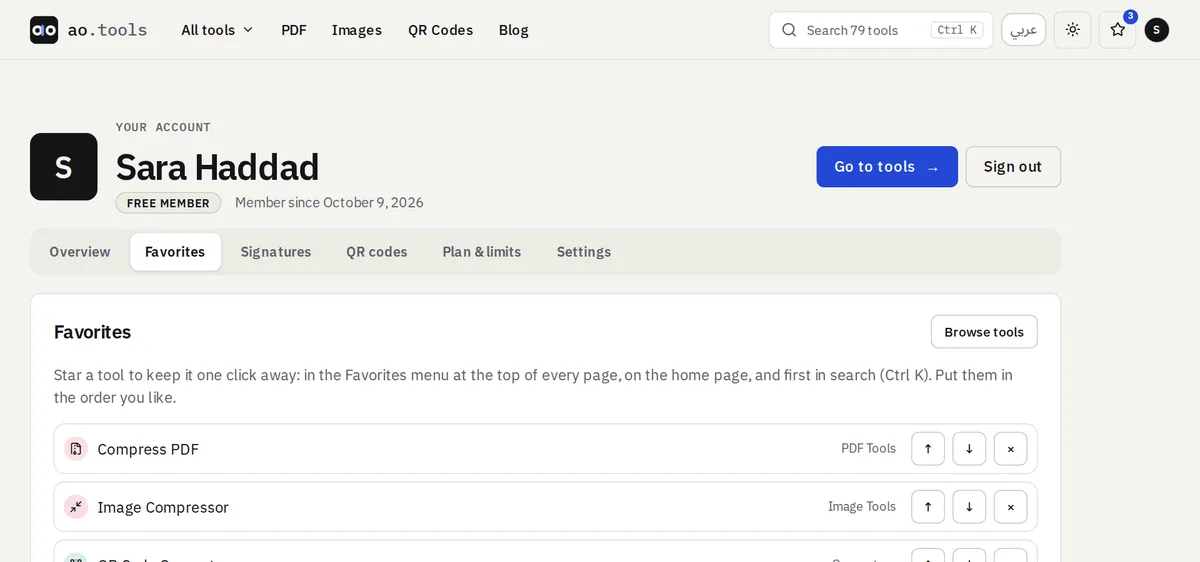
Add, remove and reorder
You will find a star on each tool page, on the cards of every category and next to every name in the full list. Manage them in one place under Account → Favorites, where you can also put them in the order you like. Favorites follow your account, so they are the same on your phone and your laptop.