The new Sign PDF tool puts your signature on a PDF, exactly where you want it. It is free for members, and the PDF itself is opened and signed inside your browser: it is never uploaded.
How it works
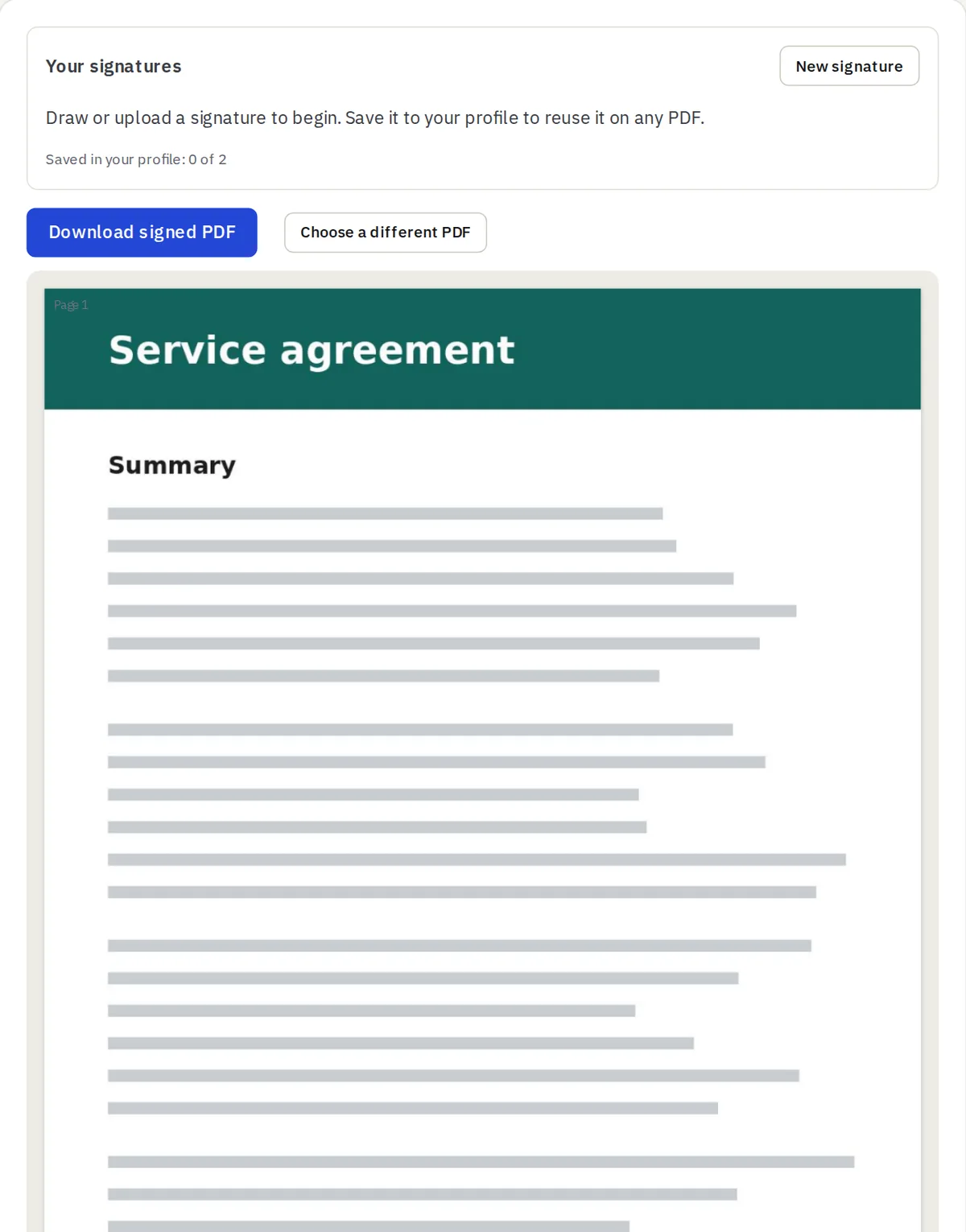
- Open your PDF. Every page is shown so you can scroll to the right one.
- Draw your signature with a mouse, finger or stylus, or upload a photo of it. A photo on white paper works: the white background can be removed for you.
- Click the page where it should go. Drag it, pull the corner to resize it, or use the arrow keys. Add it to as many pages as you need.
- Download the signed PDF. Rotated pages and scanned pages are handled.
Keep your signatures in your profile
Save a signature once and use it on any PDF afterwards. Free members can keep 2 saved signatures and Premium members 10: a full signature and your initials, for example. You can see and delete them any time under Account → Signatures.
How the saved signatures are protected
- They are encrypted on our server and kept outside the website’s public files, so there is no web address that leads to one.
- Only you can read them: they are handed back only to your signed-in account, and never cached.
- The image you upload is rebuilt as a plain, small picture, which removes anything hidden in the file.
- They are deleted when you delete them, and all of them are deleted with your account.
Prefer not to keep anything? Choose Use without saving and the signature stays in your open tab only.