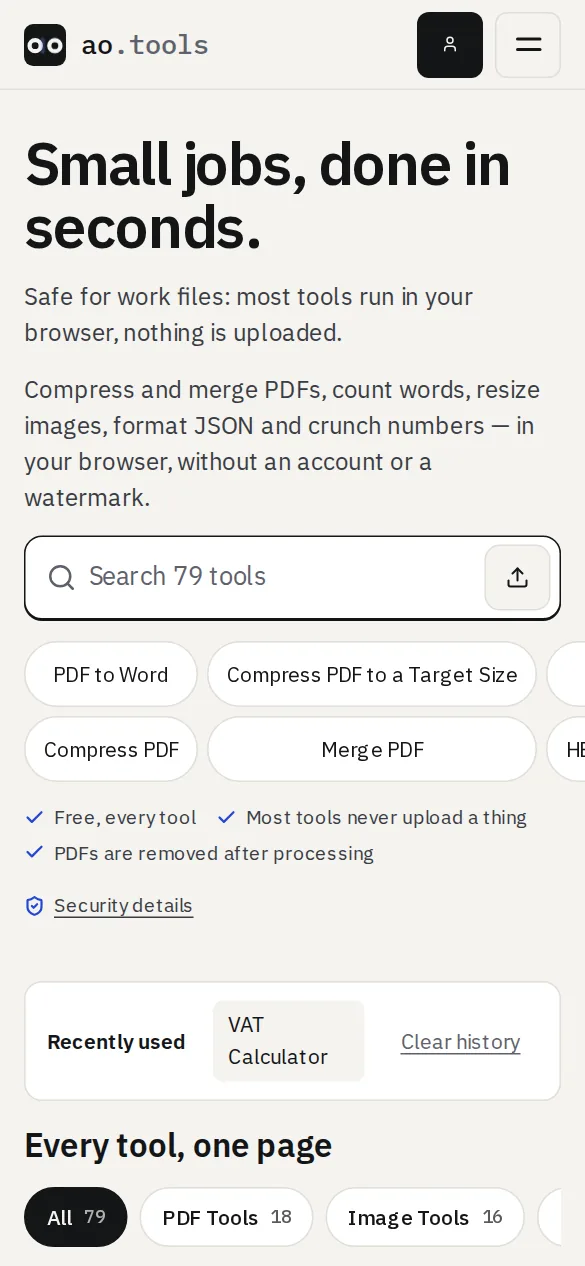
ao.tools can now be installed like an app on your phone, tablet or computer, and most of its tools keep working when you are offline: on a plane, on a weak connection or behind a blocked network.
How to install it
- Chrome, Edge and other Chromium browsers on a computer or Android: use the install icon in the address bar or the browser menu (“Install ao.tools”).
- iPhone and iPad: open the Share menu and choose Add to Home Screen.
- After you have finished a couple of tasks the site may suggest installing once, and never again if you dismiss it.
What works offline
The home page, the list of tools and every tool that runs in your browser (text, developer, calculators, image, generators and design tools) open without a connection after you have visited them once. When you are online you always get the current version first.
What needs a connection
PDF and Office tools that use our server, your account, forms and anything that has to be sent somewhere still need the internet. Nothing you type or drop into a browser tool is uploaded, online or offline.
Removing it
Uninstall it like any other app, or clear the site’s data in your browser settings. The saved copies go with it.