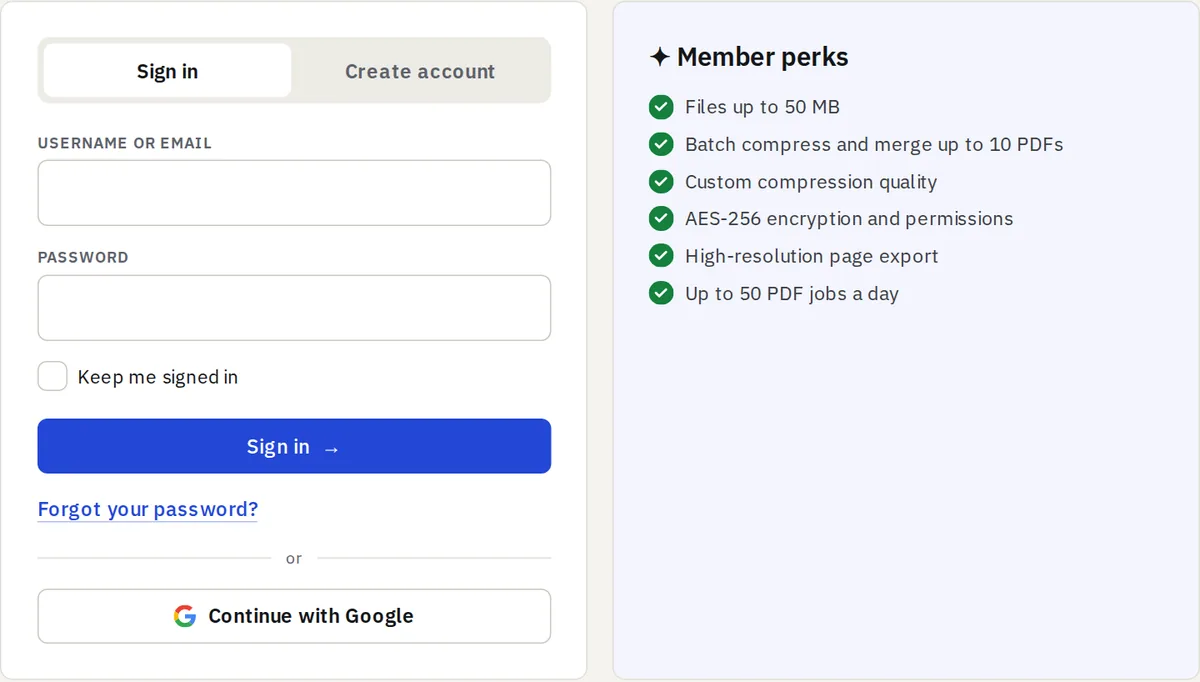
You can now create an account or sign in with Continue with Google, on the sign-in and register pages. There is nothing to remember and no email to confirm. Signing in with an email address and a password still works exactly as before.
How it works
- Press Continue with Google and choose your Google account on Google’s own page.
- Google tells us your account ID, your email address (only when Google has verified it) and your name.
- If you are new, your free account is created and you are signed in. If you have used it before, we recognise you.
We never receive your Google password, we cannot read your Google data, and we do not keep any access token from Google.
Already have an account here?
If an account with the same email address already exists, we do not link the two automatically, because that could let someone else take it over. Sign in with your password, then open Account → Settings → Connected accounts and press Connect. You can disconnect Google from the same place at any time.
Signed up with Google and want a password too?
Accounts created with Google start without a password. Under Account → Settings choose Set a password and we email you a link. With a password you can also sign in with your email, and disconnect Google if you wish. Deleting your account without a password is confirmed by typing your email address.