On this page
Three convertersWord to MarkdownPDF to MarkdownHTML and web pagesMade for AI chatsPrivate and freeWhen you paste a PDF or a Word document into an AI chat, the AI also gets the clutter: page headers, page numbers, lines broken in the middle of a sentence. Markdown keeps what matters (headings, lists, tables, links) in plain text that AI tools read well and that uses fewer tokens. Three new tools make that conversion in one step.
Three converters
- Word to Markdown for .docx files: headings, lists, bold and italic, links and tables come through.
- PDF to Markdown for PDFs with real text: headings and lists are rebuilt from the layout.
- HTML to Markdown for HTML code, .html files or part of a web page you copy and paste.
Word to Markdown
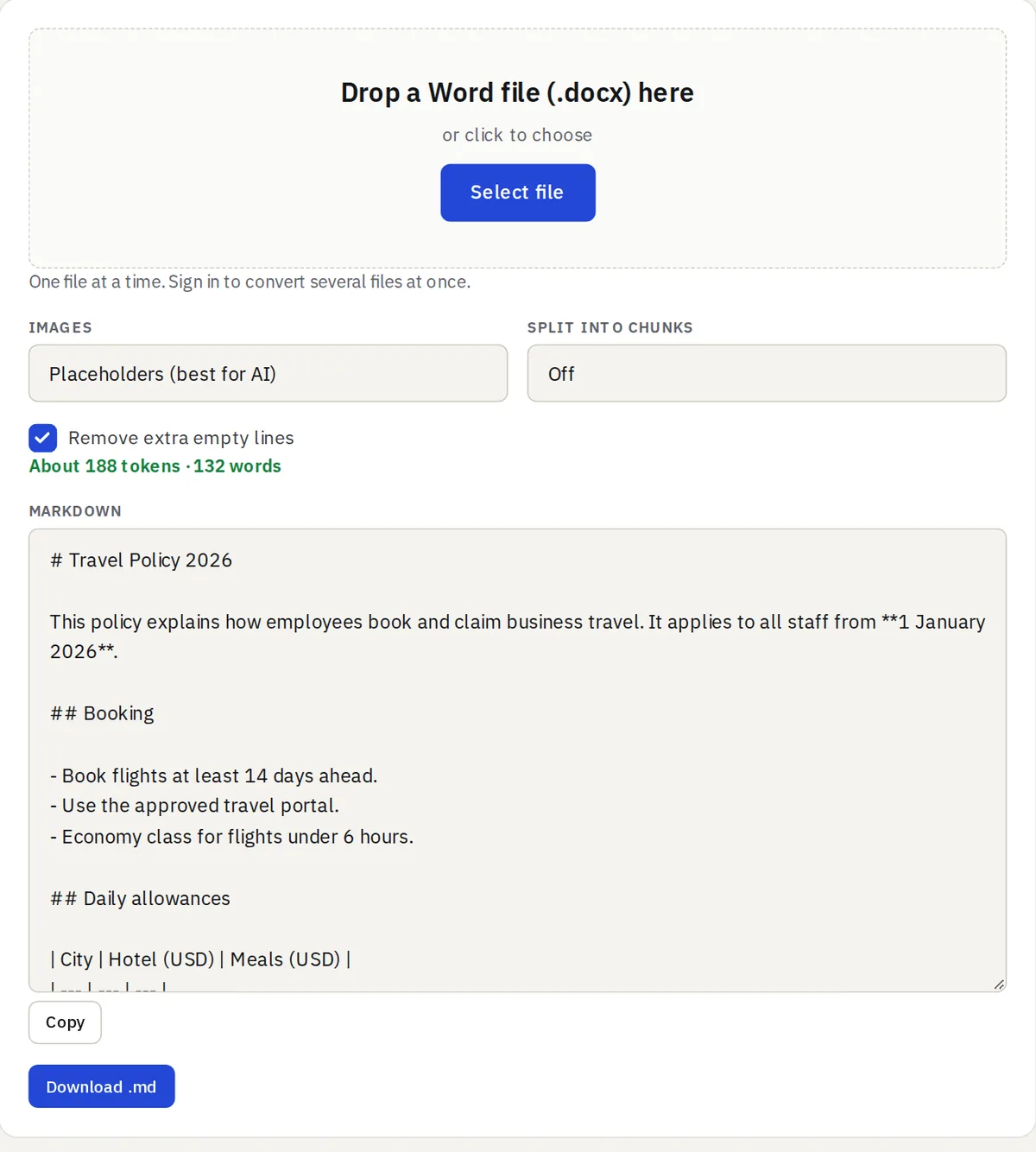
Drop a .docx file and the Markdown appears at once. Word tables become Markdown tables, with the first row as the header. Older .doc files need to be saved as .docx first.
PDF to Markdown
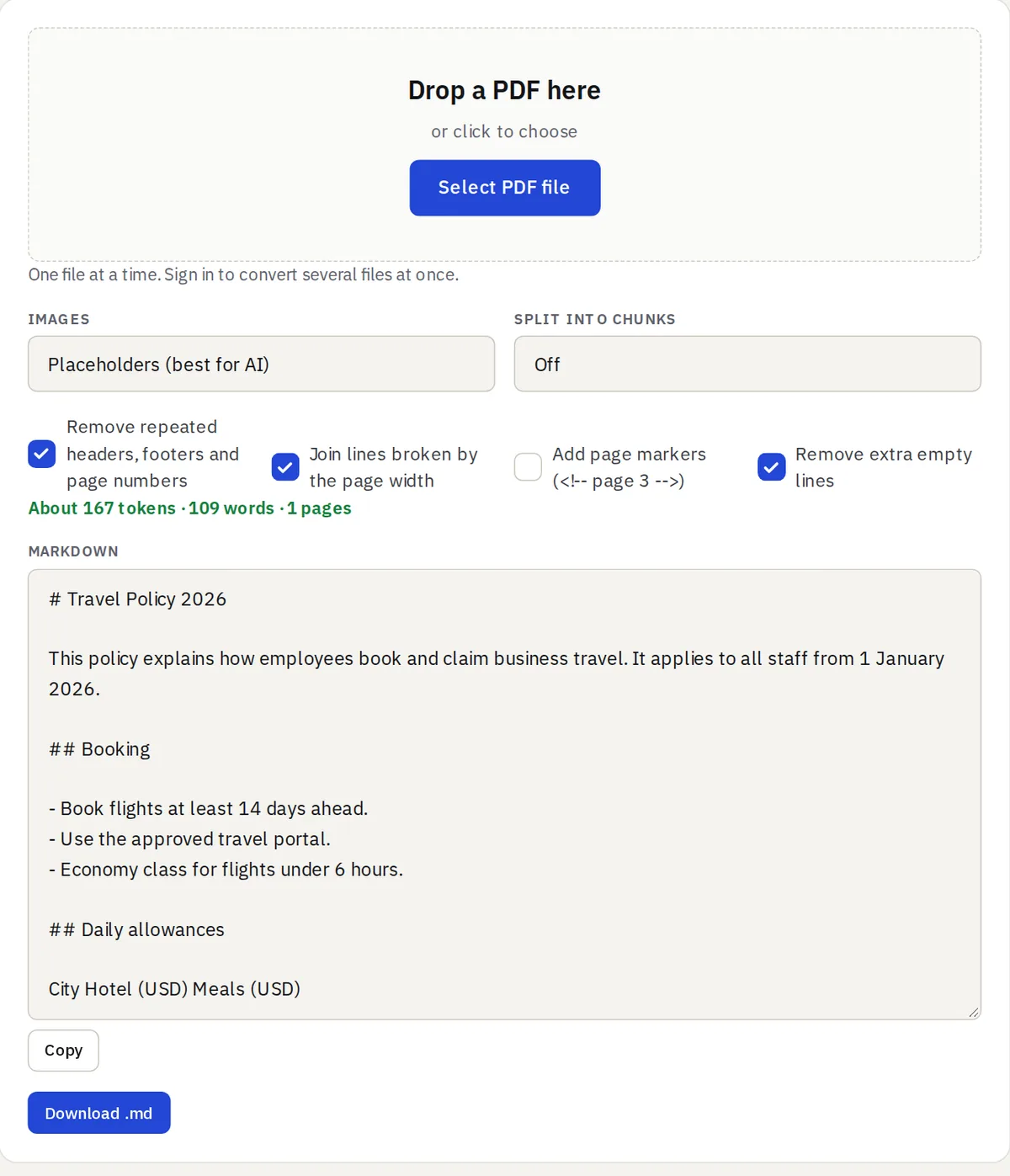
The tool finds headings from the font sizes and turns bullet and numbered lines into lists. It can remove repeated page headers, footers and page numbers, join lines broken by the page width, and add page markers such as <!-- page 3 --> so the AI can tell you where an answer came from.
Scanned PDFs work too: the tool offers to read them with OCR first (how it works). Tables inside PDFs come out as plain lines; if you have the original Word file, convert that instead.
HTML and web pages
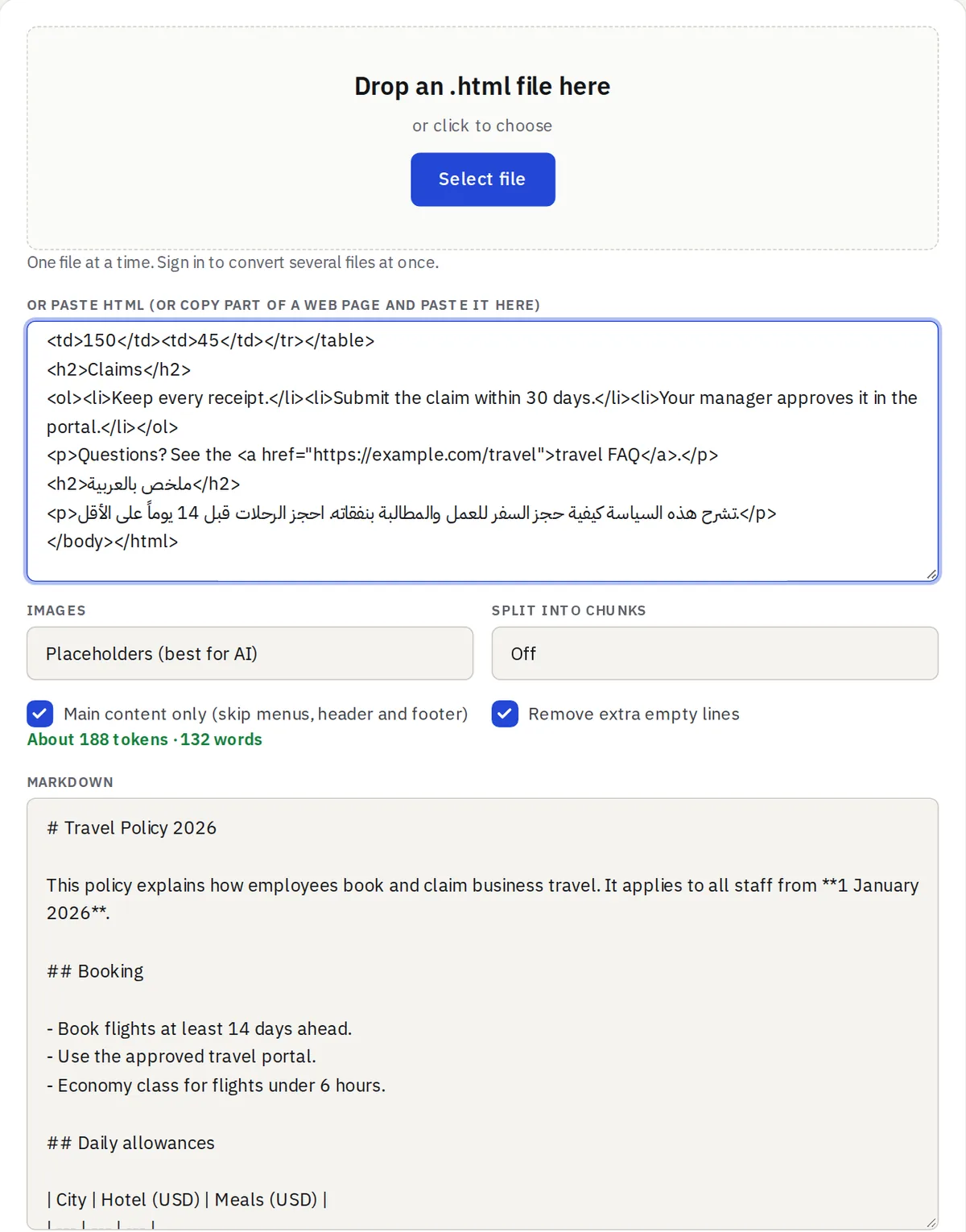
Select an article in your browser, copy it and paste it into the box: the formatting is converted, not just the plain text. With “Main content only” on, menus, headers, footers and sidebars are left out.
Made for AI chats
- Token estimate: see about how many tokens the result uses before you paste it.
- Split into chunks: cut a long document into parts of 2,000 to 16,000 tokens and copy them one by one.
- Images: short placeholders by default, or a .zip with the Markdown file and an images folder.
- Copy or download the result as a .md file.
Private and free
All three tools run in your browser, so your documents are never uploaded, except a scan you choose to read with OCR. Files can be up to 20 MB. Guests convert one file at a time; with a free account you can convert up to 10 files at once and download them together as a .zip.